RomMix
Your RomM library, wherever you play.
A Big Picture–style front end for your own RomM server.
Browse, download, play — saves sync back to RomM.
Desktop Handheld Television
AppImagex86_64 Other downloads
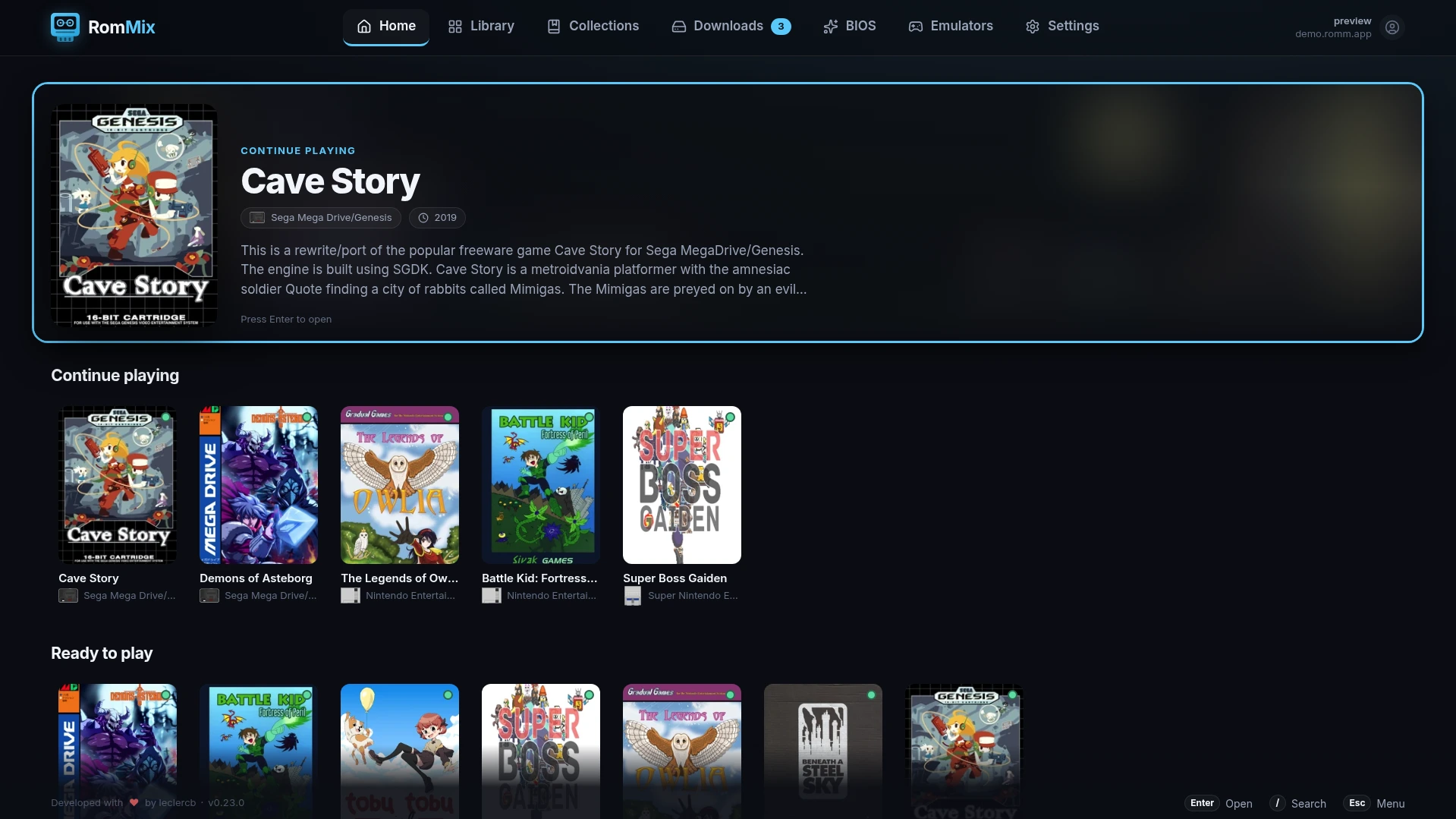
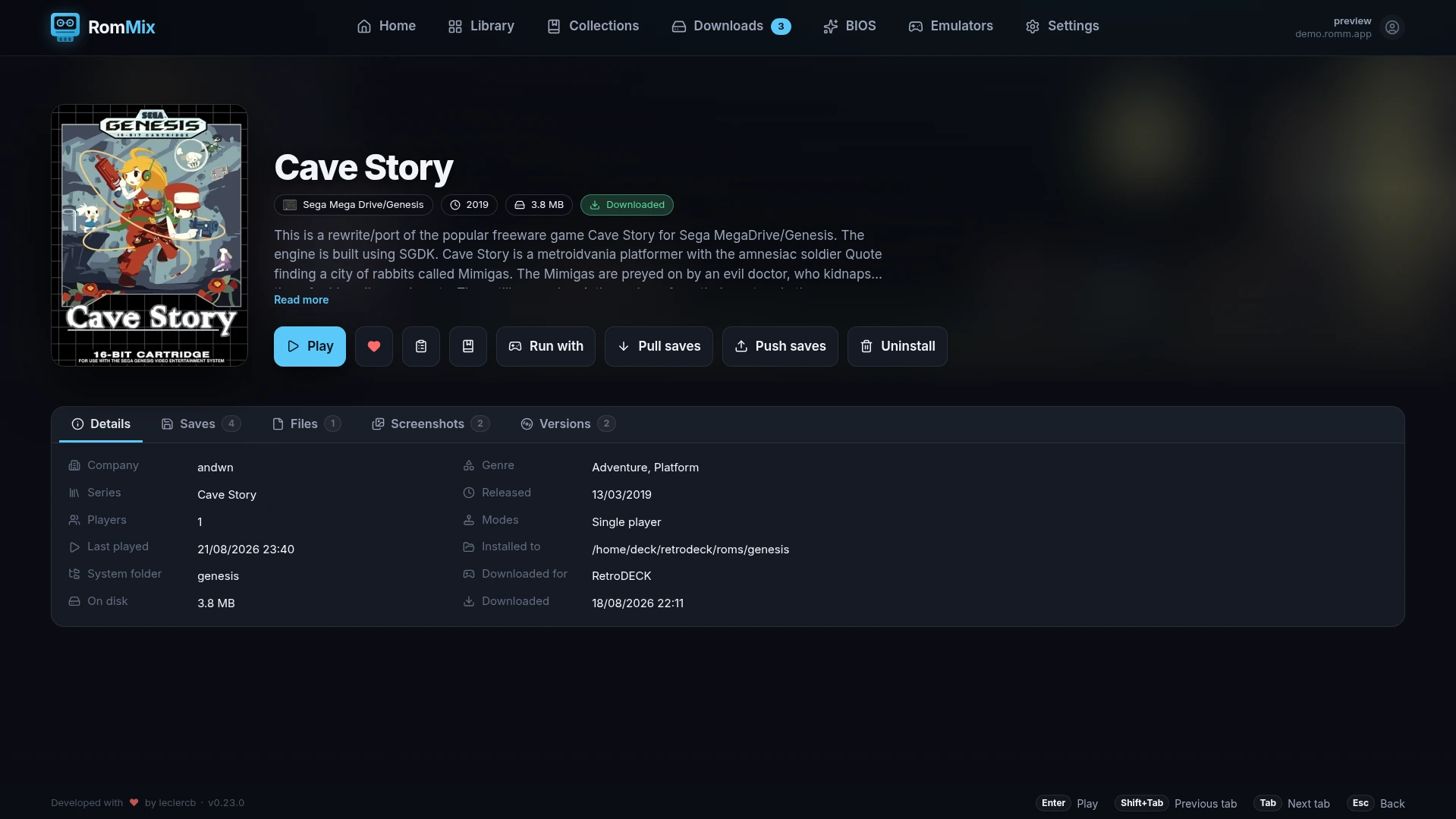
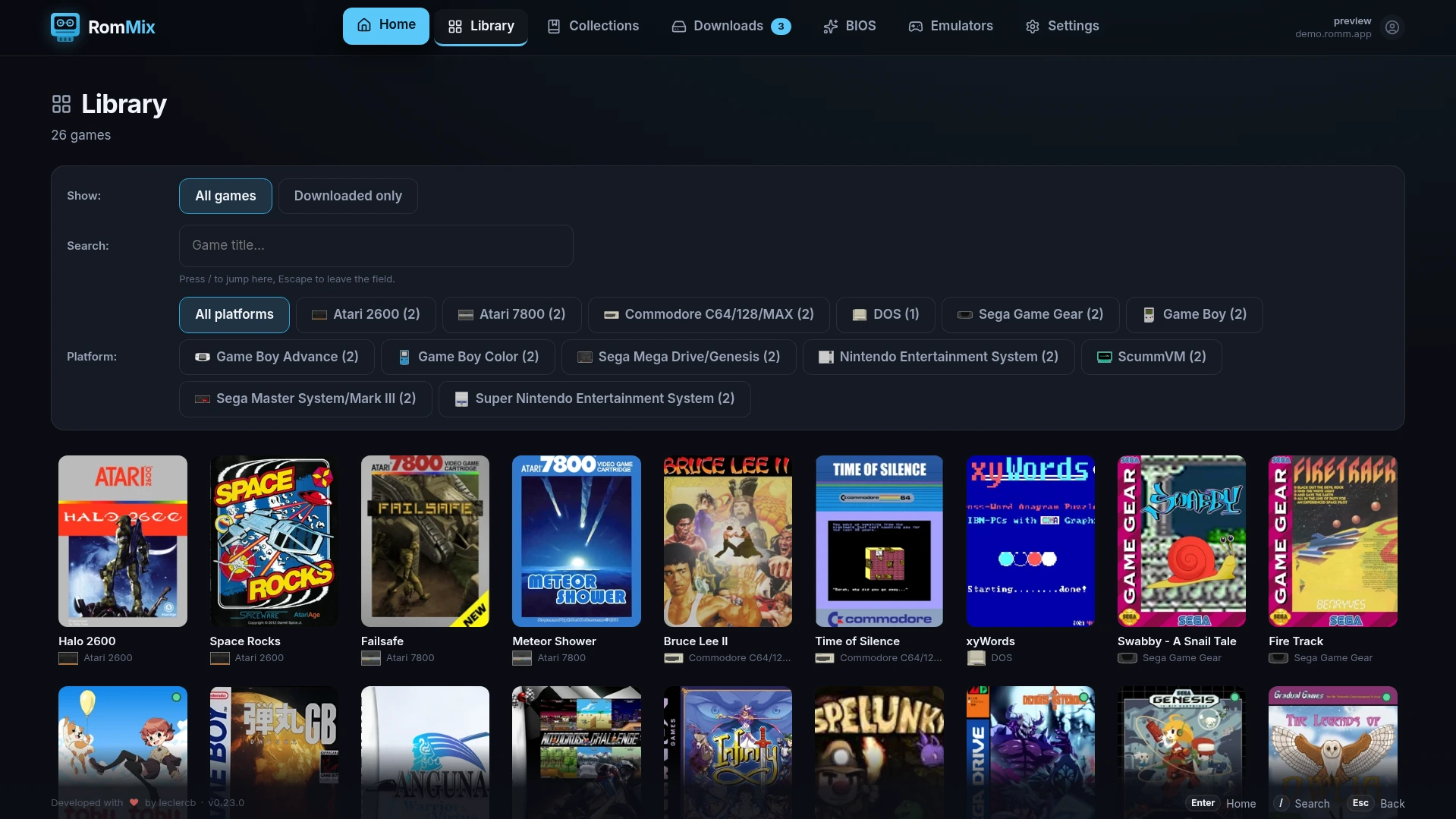
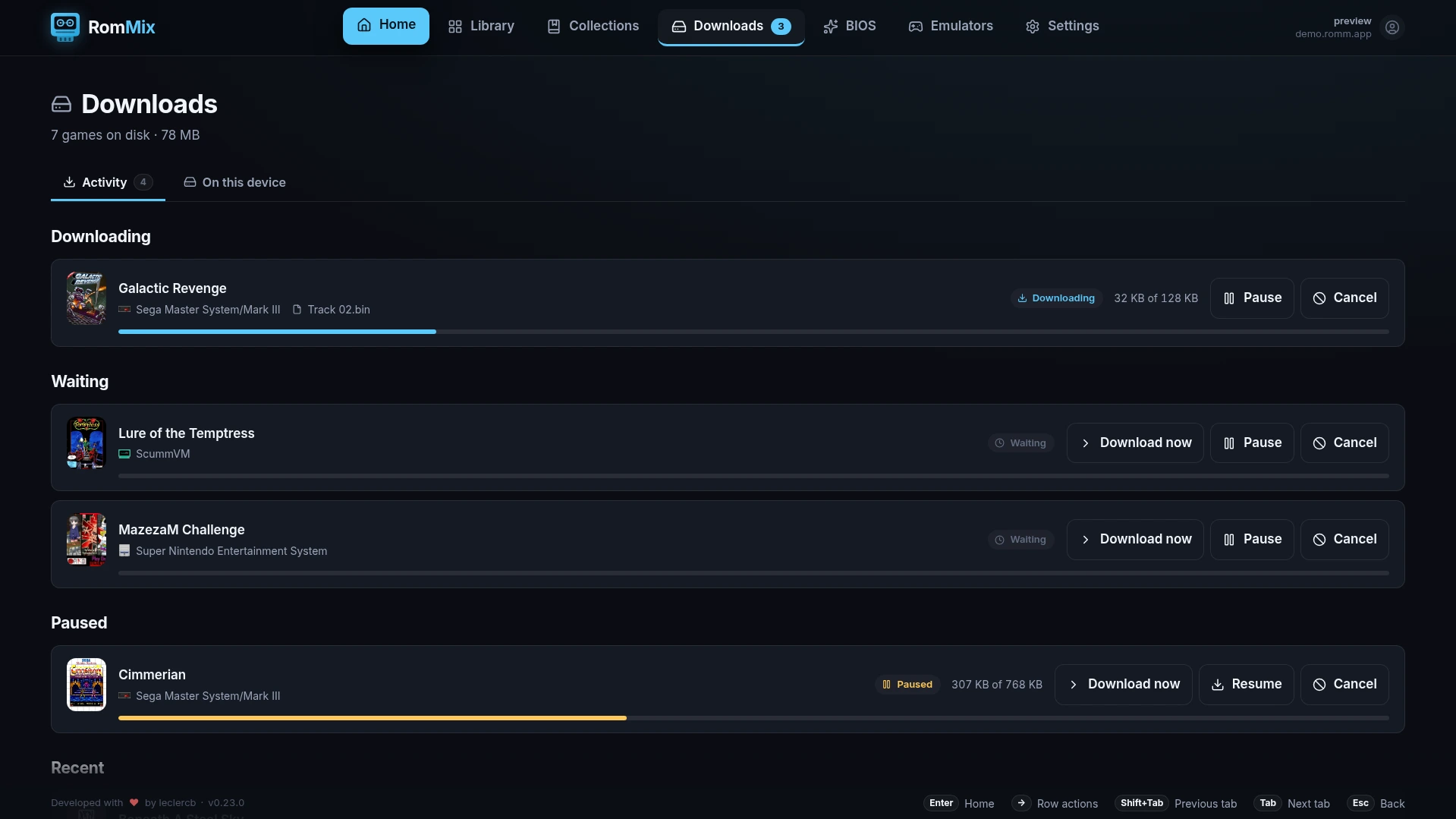

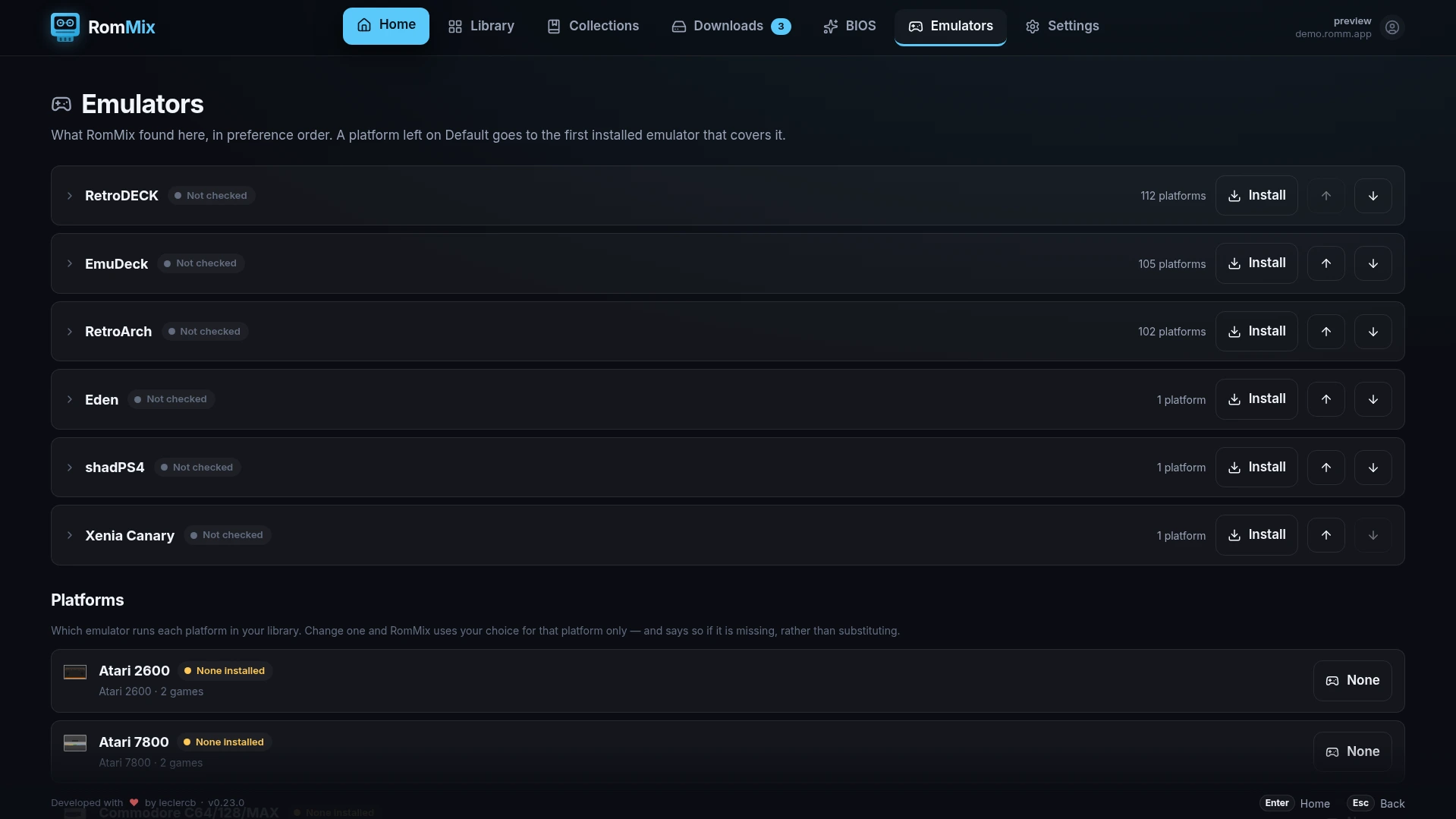
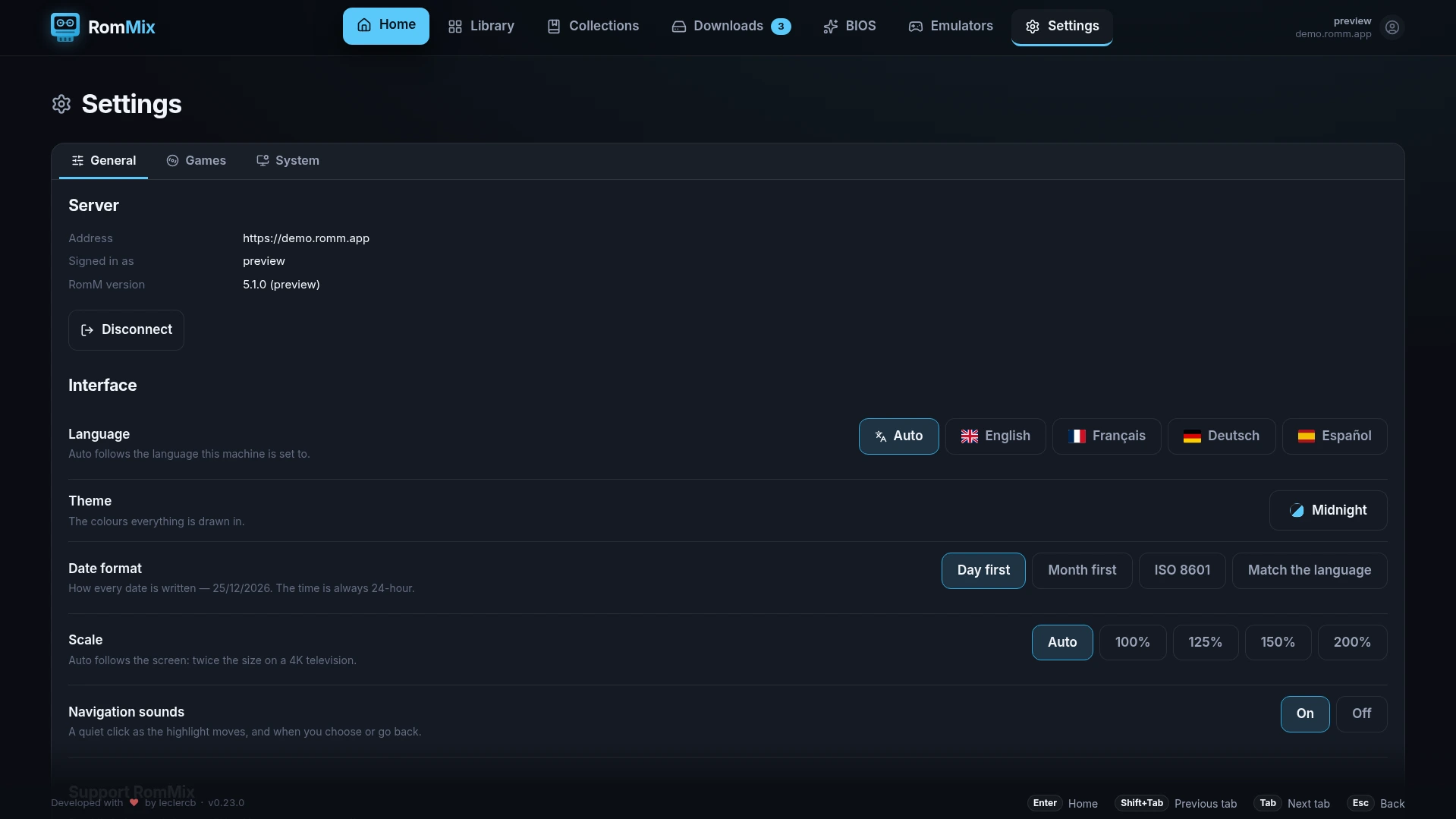
A Big Picture–style front end for your own RomM server.
Browse, download, play — saves sync back to RomM.
Desktop Handheld Television
AppImagex86_64 Other downloads
One build for Linux desktops, handhelds and televisions.
One download on any Linux desktop. Keyboard, mouse and controller all work.
On a Steam Deck or any Linux handheld. Add the launcher script to Steam as a non-Steam game.
Runs under gamescope and scales up on a 4K screen. Sign in by scanning a code with your phone.
RomMix picks which one runs each system, and Emulators → Platforms lets you change it.
Requires Linux, a RomM server at version 5 or newer, and one of the emulators above. Take the AppImage from the releases page and run it — choose x86_64 or arm64 depending on your machine's architecture.
chmod +x RomMix-x86_64.AppImage
./RomMix-x86_64.AppImage
No version in the file name: updates are written over that same file.
Download rommix-steam.sh from the same release, keep it beside the AppImage, and add the script as the non-Steam game — not the AppImage itself.
chmod +x RomMix-x86_64.AppImage rommix-steam.shSteam cannot launch an AppImage directly. The README covers building RomMix, and emulators that will not start.